StudioSprintsNewsletterEventsLog in
Name
View dashboard
ProfileHelp DeskLog out
Sign up
Studio
Overview
Lesson
The video script and voiceover were generated with AI-assistance based on the full transcript of the live virtual session.

Data Preparation: Vector Database Setup

Learn how to load raw data into a structured vector database that allows your agent to retrieve and cite facts about the foundations being researched with accuracy.

Mark as complete
Lesson completed
Kit
Transcript

Reference links

  • Pinecone: Vector database platform
  • FlowiseAI<>Pinecone integration docs ‍

Thumbnail Image
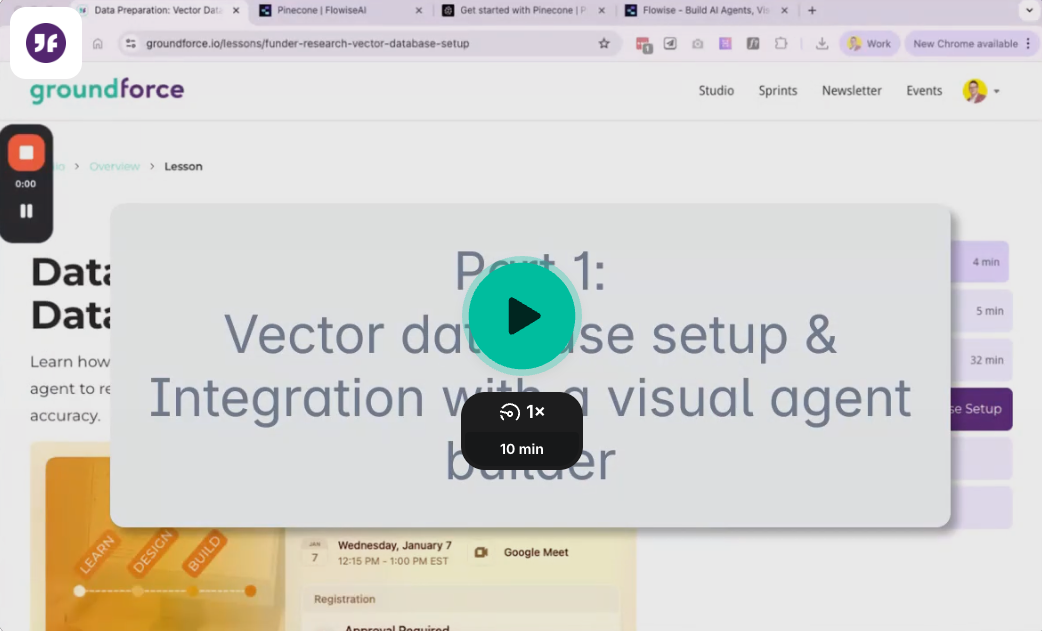
Demo: Pincone Vector Database Setup and FlowiseAI Integration
00:00 Part 1: Vector database setup & Integration with a visual agent builder (Flowise AI) 07:30 Part 2: Part 2: Upload data to vector database using Google Colab
Thumbnail Image
Session 4 Presentation - Data Preparation: Vector Database Setup
View or download the presentation PDF.
Thumbnail Image
Data preparation and Google Colab demo
This plan and demo video outlines an example data transformation approach using Google Colab to prepare the Government of Canada’s 2023 Open Data.

Up next

Agent Prototype
Configure a visual agent builder to query your data, building a first iteration of a live, interactive research tool.

Program

Exploring the Data

Exploring the Data

4 min
Exploring Agent Platforms

Exploring Agent Platforms

5 min
Agent goals + Solution sketch

Agent goals + Solution sketch

32 min
Data Preparation: Vector Database Setup

Data Preparation: Vector Database Setup

5:02
Agent Prototype

Agent Prototype

Pilot

Pilot

StudioSprintsNewsletterMembershipEventsHelp Desk
YouTube icon

© 2025 Groundforce Digital. All rights reserved.

Terms of Service | Privacy Policy | AI Use Policy