Exploring the Data
Exploring Government of Canada open data on foundations and data preparation in Google Colab. We review the pilot program 'sprint' methodology, the Canadian funder research landscape, and our approach to exploring the Government of Canada charities open data set.

0:00 Welcome to session one of the Funder Research and AI Agent pilot. I'm Chris, founder of Groundforce Digital. Since 2013, we've been helping social impact organizations use technology to make a bigger impact.
0:15 This pilot is a bit different than a typical course. It's a collaborative experiment. We are going to build an AI tool right out in the open, learning from each other, together as we go.
0:26 To keep us on track, we're using a simplified version of a process called a design sprint. Usually this is done in five intense days, but we're spreading it out over six sessions.
0:38 We've broken it down into four simple steps. Learn, design, build, and pilot. Today, we are in the learn phase. Before we start, I'd like start building anything, we need to understand the problem we're solving, and look at the raw materials, the data we have to work with.
0:51 Let's talk about why finding funding in Canada is difficult. Right now, charities usually have three options.
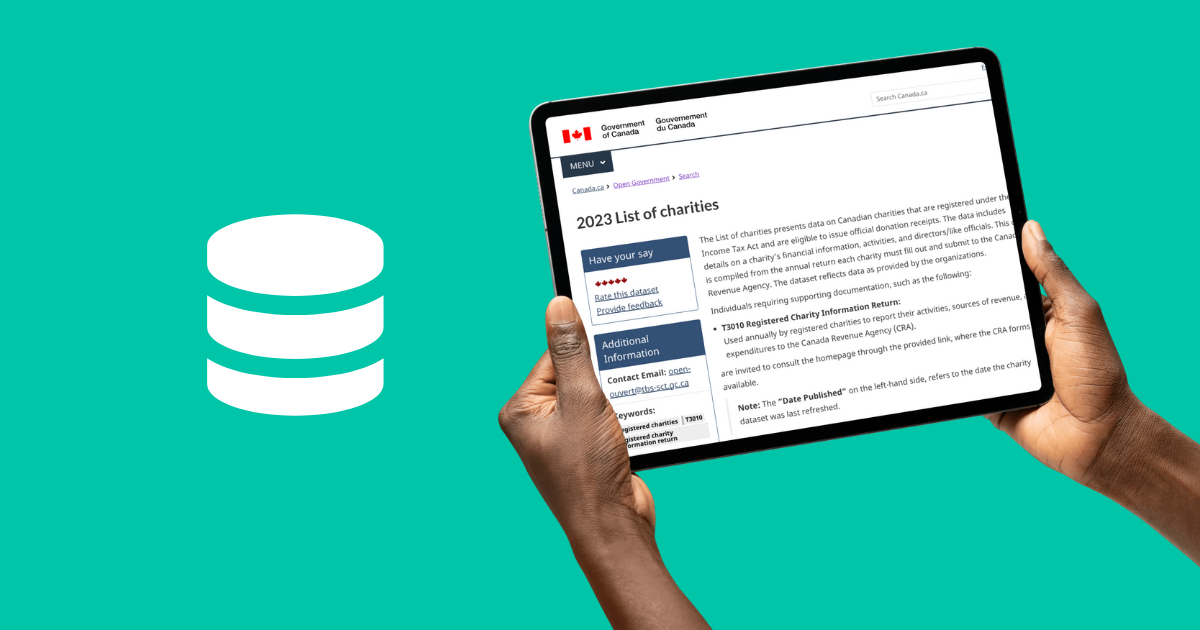
1:02 You can pay for expensive databases, which can cost up to $5,000 a year. You can use free government data which can be challenging to work with using typical spreadsheet tools because of the size and number of files.
1:20 Or, you can spend hours manually searching Google. Canada actually has great transparency. There is a large public record of over 85,000 charities and 11,000 foundations.
1:34 The problem is that this data was made in for accountants, not for researchers. It's technically complex and split into many different pieces.
1:44 There is also a language barrier with current tools. If a foundation says they fund adolescent services, but you search for youth programs, a standard database might tell you there are no matches.
1:58 You miss out just because you used a different card. This is where AI agents come in. Our goal is to build a tool that understands what you mean, not just what you type.
2:10 We want you to be able to ask, find foundations in Ontario that fund youth programming, and get a smart, accurate list in return.
2:19 To make this work, we need to feed our AI the right information. We'll use the 2021 Charities Data Files, such as the Qualified Donees Worksheet.
2:30 This is a list of gifts that have been made to registered charities by donors, such as foundations. It's a list of over 350,000 donation records, and is a great source of data on what foundations typically fund.
2:44 But the challenge is that the information we need is actually fragmented on a cross multiple separate files. For instance, the grant amounts are in one dataset, but the charity names and business numbers are located in a completely different identity file.
3:00 If we just feed these disconnected spreadsheets into an AI agent, we won't get very good results. Instead, we'll use Google Colab to merge the distinct datasets together, linking them the names to the GIFs.
3:14 This is why we are using a free tool called Google Colab. You don't need to be a computer programmer to understand it.
3:22 Think of Colab as a smart workspace that helps us connect these spreadsheets together. We will use it to link things like the names to the GIFs, creating a clean dataset that the AI funder research agent we build can read, and learn.
3:37 So, where are we going to build this? We are currently looking at visual agent builders, like the one available through OpenAI platform.
3:47 These are good options because they are low code, meaning you can build them by dragging and dropping blocks rather than writing complex computer code.
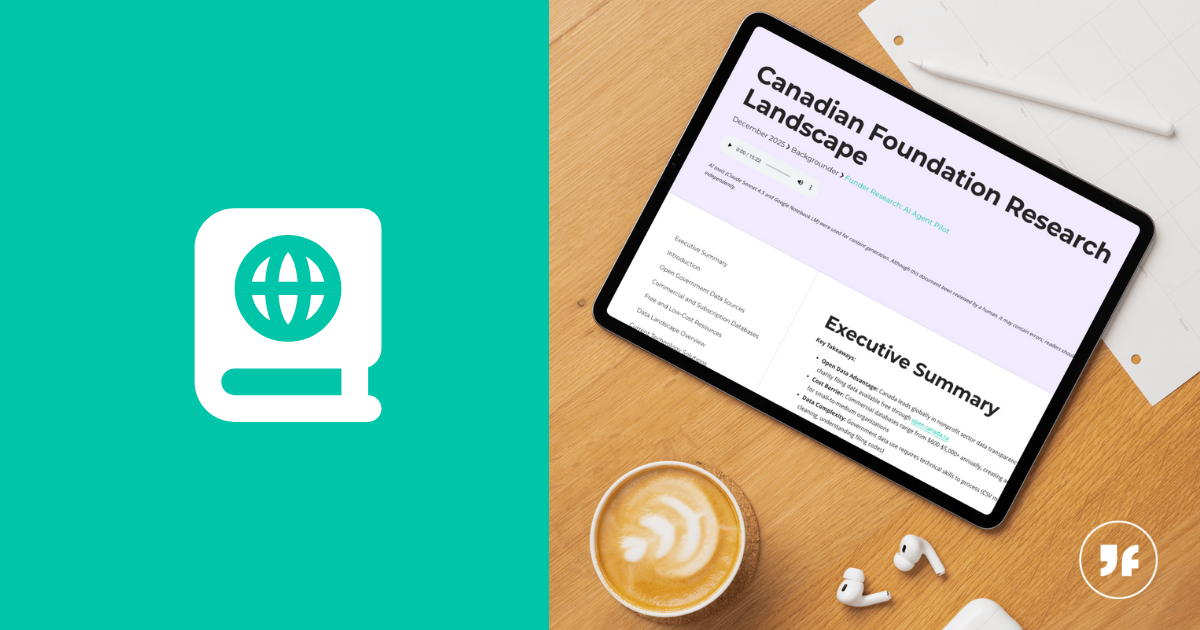
3:57 As we finish up this session phase, I invite you to take a look at the- background materials that are available in the Groundforce Studio in this session's kit.
4:06 In our next session, we will continue the learning phase, looking at the AI agent building tools in more detail.
Up next